PAX A80 : Get Started
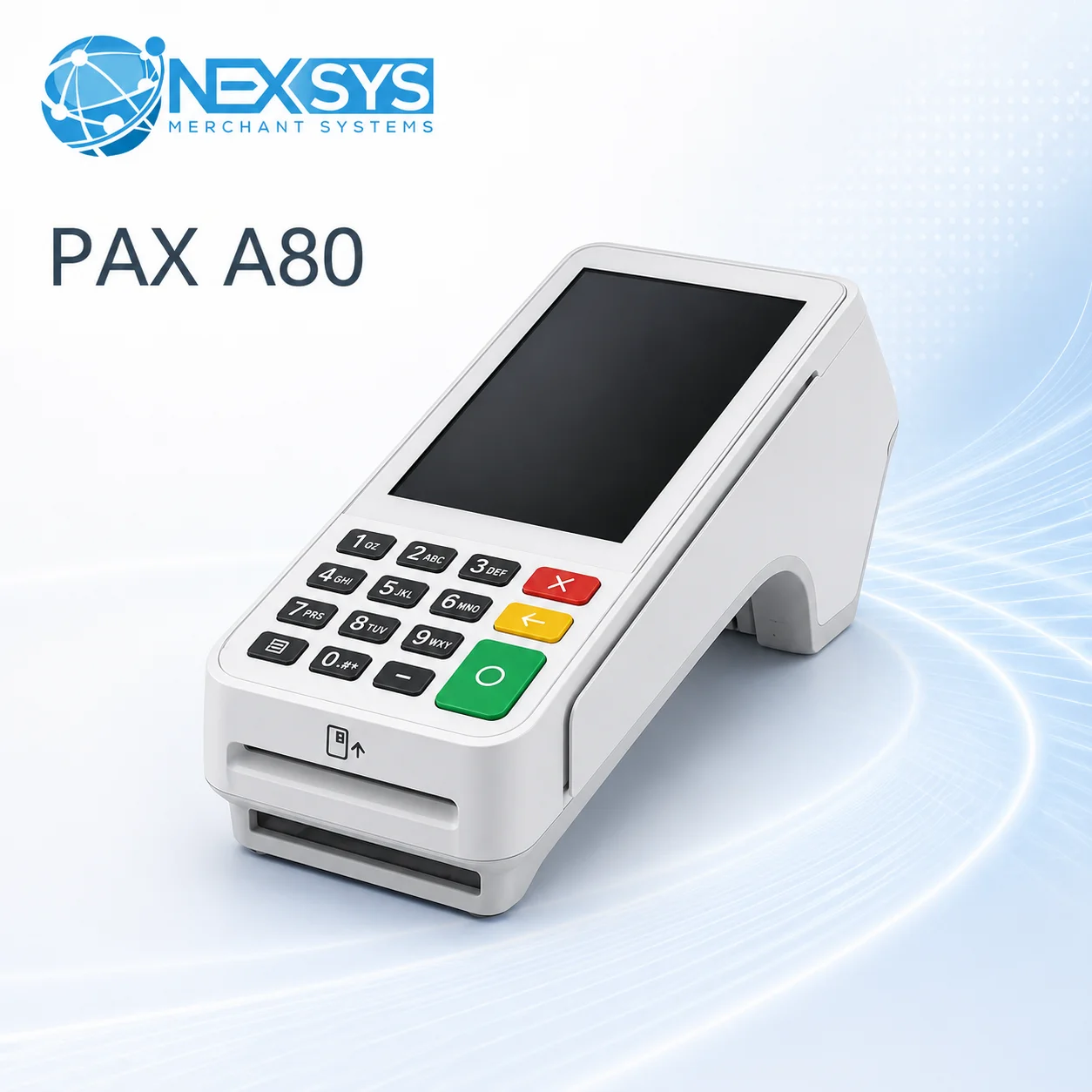
The PAX A80 is a cutting-edge Android-based countertop terminal designed to deliver exceptional performance, connectivity, and ease of use. Whether you're managing a retail store or running a busy restaurant, the A80 provides a reliable and feature-packed solution for all your payment processing needs.
Key Features of the PAX A80
- Android 6.0 Operating System: Intuitive and modern platform for smooth functionality.
- PCI PTS 5.x and NFC Contactless Certified: Ensures secure and fast transactions.
- Flexible Connectivity: Offers multiple communication options, including Wi-Fi, dial-up, and Ethernet, with an optional backup battery for uninterrupted operations.
- Built-in Camera: Enhances versatility for scanning and other functions.
- High-Definition Touchscreen: Features a four-inch graphical display, delivering an intuitive user experience for merchants and customers.
Included Resources
To help you get started with your PAX A80, the following guides are included:
- Full Reference Guide: A detailed manual covering all features and functionalities.
- Quick Reference Guide: Step-by-step instructions for basic transactions and common functions.
Getting Started
- Powering On and Setup: Follow the Quick Reference Guide to connect your terminal to Wi-Fi, Ethernet, or dial-up and configure the device.
- Exploring Features: Learn how to perform transactions, accept contactless payments, and utilize the touchscreen interface.
- Ongoing Support: Use the Full Reference Guide to explore advanced features or troubleshoot common issues.
Support Information
For additional help with the PAX A80:
- Phone: 1-888-280-2722, option 2
- Email: support@nexsyspros.com
With its advanced features and robust design, the PAX A80 is ready to meet the needs of your business and provide a seamless payment experience for your customers.